DataParade Documentation
Welcome to the user documentation for DataParade.
Current language support for repository scanning and import generation is TypeScript, JavaScript, Python, Go, PHP, Rust, Ruby, Java, Kotlin, C++, C#/.NET, and Terraform (.tf / .tfvars), including common AWS, Azure (azurerm), and Kubernetes (kubernetes_*) provider resources.
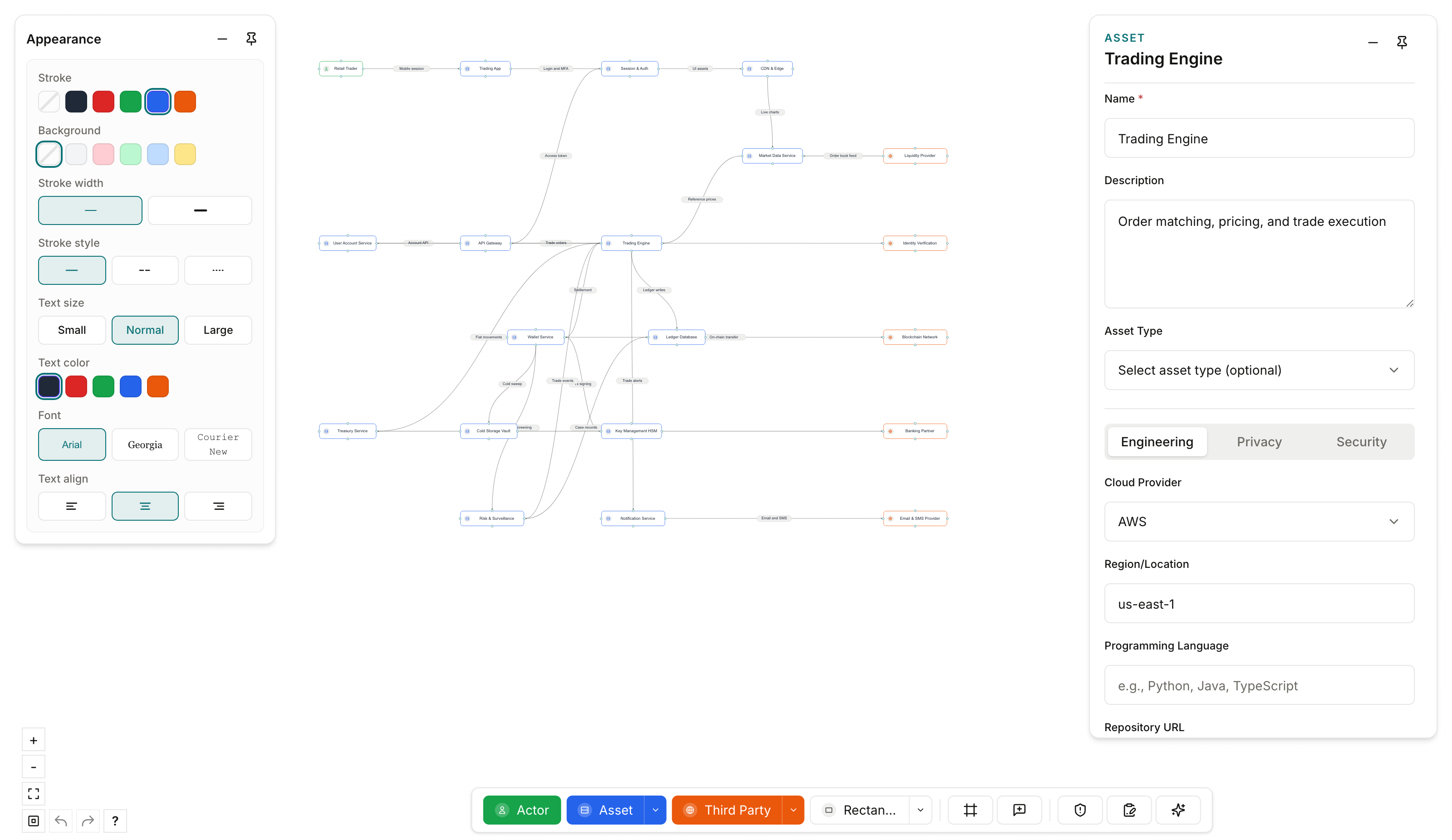
Start here:
- Scan your first repo — bootstrap a diagram from code:
npx @dataparade/cli scan ., import, done. Structural scans run locally, are free, and are unlimited. - Quick Start — open a workspace, create a diagram from a blank canvas, and fill in core properties.
- Workspace and team — settings, teams, Usage, and Activity.
- Workspace scan quotas — limits, deductions, and pre-scan estimates for hosted and CLI platform scans.
- What Is a Risk Diagram — concepts, data layers, and property tiers.
- Diagram comments and mentions — canvas threads, @mentions, and notifications.
- Account email notifications — optional email delivery (in-app bell always on).
This documentation covers:
- Risk diagram concepts
- Node types
- Node properties — per-node reference for Asset, Actor, Third-Party, Data Flow, and Generic Shape. Asset and Third-Party privacy includes set-valued
dataActions(privacy verbs from scan). - Style options
- Creation and import flows — JSON import, ZIP import, and Templates; hosted and CLI platform scans use workspace quotas.
- CLI run and export — including What leaves your machine, Scan arguments, Upload to dashboard, Environment variables, and Output and results.
- Data Catalog — workspace-wide Assets and Third Parties pages.
- Diagram comments and mentions — collaborate on diagrams with threads, @mentions, and notifications.
- Account email notifications — per-user email for diagram comments (immediate, daily digest, or none).
- YAML configuration references
- Troubleshooting, About, and Contact.
Use the left sidebar to navigate by topic.
Last updated on